
X counts a link click the moment someone taps your t.co-wrapped link card, even if the page never fully loads on their end. That raw number is useful for comparing post to post, but it’s not the metric that pays your bills. The reliable read on value comes from tagging every link with UTM parameters and checking what happens in your destination analytics, usually Google Analytics 4, from there.
TL;DR:
- Twitter counts tap hits immediately, but actual website sessions recorded by GA4 depend on page load and tracking script firing.
- Click counts vary significantly between metrics, with X counting taps and GA4 tracking only completed sessions, leading to often inflated click numbers in reports.
- A typical organic click-through rate ranges from 0.5% to 2%, with higher rates possible in niche accounts with highly engaged audiences.
- Structural tweet changes, like separating the hook from the link and consistent UTM tagging, can significantly increase click volume without extra spend.
- Measuring conversions and engagement after landing is essential, as high click counts alone do not indicate valuable traffic or business success.
Table of Contents
- What Is a Twitter Link Click and Where Do You See It?
- Why Twitter Click Counts Rarely Match Your Website Analytics
- What’s a Good Click-Through Rate on Twitter?
- The Tactics That Actually Move Your Link Click Numbers
- Beyond Clicks: How to Tell If Your Traffic Is Actually Worth Anything
- What Nowix Sees Working Across Client Campaigns
- The Gap Between What Marketers Track and What Actually Predicts Revenue
- Let Nowix Run the Amplification While You Watch the Numbers Climb
- Where to Track and Verify Your Own Link Click Data
- Sources
What Is a Twitter Link Click and Where Do You See It?
Every link you post on X gets automatically wrapped in a t.co redirect. When someone taps that link card, X logs it as a link click, whether the destination page fully renders or the visitor bails in half a second. That’s the core mechanic behind nearly every discrepancy you’ll ever chase down in your reporting.
Where you find that number depends on what you posted:
- Organic tweets: Open Tweet Analytics on desktop or the analytics icon under any individual post to see link clicks broken out from likes, replies, and profile visits.
- Paid campaigns: Ads Manager reports “link clicks” as a distinct metric per campaign, which Databox recommends using to judge whether your ad copy and targeting are actually working, not just generating impressions.
- Bio links: X native analytics doesn’t break these out well. A bio-link page or shortener with click tracking fills that gap.
Ads Manager and organic Tweet Analytics don’t always define “engagement” the same way, so don’t mix the two dashboards in one report without labeling which is which.
Why Twitter Click Counts Rarely Match Your Website Analytics
Here’s the mismatch every marketer eventually runs into: X says 500 people clicked your link, and GA4 shows 340 sessions. Neither number is wrong. They’re measuring different things, and understanding why keeps you from making bad calls based on a false signal.
- X counts taps, GA4 counts completed sessions. A tap registers instantly. A session requires the page to actually load and GA4’s tracking script to fire, so slow load times and quick bounces shrink the GA4 number every time.
- Redirect chains lose data. t.co unwraps to your URL, but if you’re also running it through a shortener or a bio-link tool, extra hops can strip UTM parameters if they’re not configured to preserve them.
- Bots and accidental taps inflate the top of the funnel. Automated crawlers and fat-finger taps on mobile show up as clicks with zero real intent behind them.
- Ad-blockers and privacy settings suppress GA4 tracking on a meaningful slice of visitors, while X’s server-side count still captures the click.
- Attribution windows differ. X may count a click within its own session logic while GA4 attributes based on UTM parameters that can get overwritten by a later touchpoint.
Run both numbers side by side. The Statweestics measurement framework treats X’s count as upper-funnel interest and GA4 sessions as your conversion floor, which is the right mental model for reporting to anyone who asks “which number is real?”
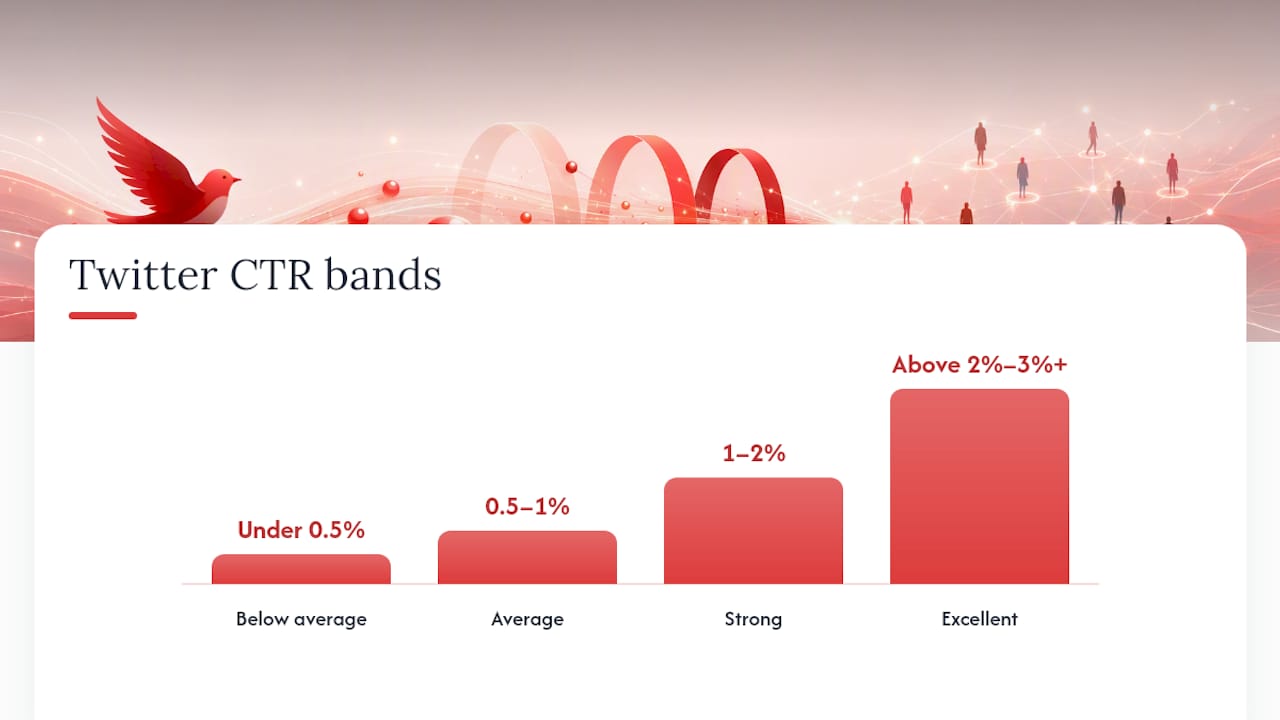
What’s a Good Click-Through Rate on Twitter?
Most accounts land in a fairly narrow band, and if you’re reporting a number without context, you’re going to get the wrong question asked back at you.
| CTR band | Range | What it signals |
|---|---|---|
| Below average | Under 0.5% | Weak hook, buried link, or wrong audience |
| Average | 0.5% to 1% | Typical organic performance for most accounts |
| Strong | 1% to 2% | Solid copy and placement, worth replicating |
| Excellent | Above 2% to 3%+ | Rare, usually tied to a strong hook or timely topic |
A realistic organic link CTR sits between 0.5% and 2% for most accounts, according to Statweestics’ benchmark data, with anything above 2% counting as strong and 3%+ landing in excellent territory for niche or highly engaged audiences.
Follower count skews this more than most marketers expect. Smaller, tighter accounts often out-click larger ones because their audience is self-selected around a specific topic. Compare your CTR against your own account’s engagement benchmarks over time rather than chasing an industry-wide number that doesn’t account for your niche.
The Tactics That Actually Move Your Link Click Numbers
Priority order matters here. Fix the structural stuff before you touch anything cosmetic.
- Split the hook from the link. Post the hook alone, then drop the link in tweet two or a reply. X’s algorithm deprioritizes link-bearing tweets in the feed, so a hook-only first tweet lets the post earn impressions before the link even enters the equation.
- Write clear, specific copy. HubSpot’s testing found tweets with clearly stated offers earned 18% more clicks than vaguer copy, and headline-style tweets consistently beat generic phrasing in raw clicks.
- Use media strategically. A single strong image outperforms a bare-link tweet, but a multi-image thread or infographic works better for data-heavy content that needs room to breathe.
- Test your posting windows. Cadence and timing both affect reach; check when your specific audience is actually online instead of defaulting to generic “peak hours” advice.
- Tag everything with UTMs. Every link should carry campaign, source, and medium parameters before it goes live. A UTM builder keeps this consistent across a team instead of everyone hand-typing tags.
- Amplify selectively. Cross-post the same thread to other channels, and reserve paid boosts for posts that already show organic traction rather than every single link you publish.
Pro Tip: Run your CTA as a question in the hook tweet (“What’s actually killing your open rate?”) rather than a statement. Questions pull more replies, and replies push the whole thread further into more feeds before the link ever shows up.
Thread structure and cross-posting are especially cheap experiments for accounts under 100,000 followers, where a small structural change can compound into a real jump in click volume without spending a dollar on amplification.
Beyond Clicks: How to Tell If Your Traffic Is Actually Worth Anything
A high click count with nothing behind it is a warning sign, not a win. Once traffic lands, three numbers tell you whether it was worth chasing: engagement rate (pages per session and average session duration), conversion rate, and the click-to-session ratio comparing X’s reported clicks against GA4 sessions.
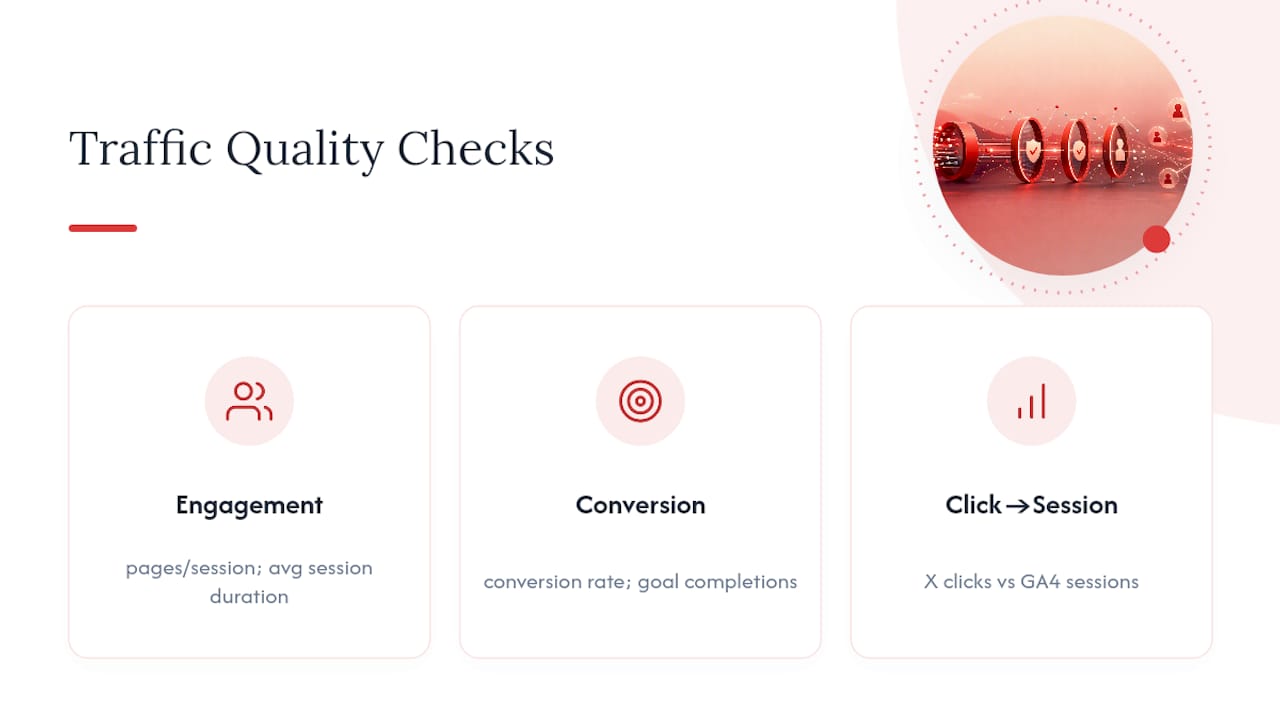
Below that, you’re likely dealing with bot traffic, slow load times, or a UTM configuration that’s dropping data somewhere in the redirect chain. If sessions look fine but conversions stay flat, the problem has moved downstream. It’s your landing page copy or offer, not your tweet, that’s failing to close the loop.
What Nowix Sees Working Across Client Campaigns
Our own workflow runs the same loop every time: audit the account’s current click patterns, restructure thread and link placement, run controlled amplification through vetted creators, then measure and iterate against GA4 sessions, not just raw X counts. On the Unfungible launch, applying that hook-first, amplification-second structure produced a measurable lift in click-through activity compared to standard single-tweet posting, an illustrative result rather than a guaranteed one for every account.
Three quick tests worth running before anything else: separate your hook tweet from your link tweet for two weeks, add explicit UTM tagging to every post, and try one paid amplification push behind a post that’s already showing organic traction.
The Gap Between What Marketers Track and What Actually Predicts Revenue
Most teams over-index on the number X shows them because it’s the easiest one to screenshot for a report. That’s the core problem with link-click culture on this platform: raw taps feel like progress, but they’re an upper-funnel signal, not a business outcome.
The conventional advice tells you to chase CTR. The better advice tells you to chase click-to-session ratio and let CTR sit as a secondary number you check once you’ve confirmed the traffic is real. Thread structure, hook quality, and UTM discipline are the three levers that consistently move both numbers together, which is why they show up across nearly every credible measurement framework we’ve referenced here.
If you take one thing from this and act on it this week, make it UTM tagging. It costs nothing, takes five minutes per link, and it’s the single fix that turns a vague “clicks went up” claim into a number you can actually defend in a meeting.
— Knowix
Let Nowix Run the Amplification While You Watch the Numbers Climb
Getting the thread shape and UTM tagging right fixes your measurement problem. It doesn’t fix your reach problem. That’s where a managed amplification push does the heavy lifting a solo account can’t do alone: getting the right creators quote-tweeting and commenting in the first hour, when the algorithm is deciding whether your post is worth showing to anyone else.

Nowix’s post amplification service puts up to 700 vetted micro-influencers behind a single launch or campaign tweet inside a one-hour window, turning that critical early engagement into the kind of momentum that tips organic reach in your favor. If you’d rather have someone handling your account daily instead of campaign by campaign, X account management covers strategy, content, and community replies so the click-quality fixes from this article actually get implemented consistently, not just tested once and forgotten. Send us your current link CTR and follower count, and we’ll tell you honestly whether a launch campaign or ongoing management fits your situation better.
Where to Track and Verify Your Own Link Click Data
For hands-on implementation, a few resources are worth bookmarking. Ads Manager documentation covers how X logs clicks on paid campaigns. Bio-link tracking methods explain how to get per-link click data that native analytics won’t show you. Databox’s metric library defines campaign-level click terms precisely, which helps when you’re translating platform jargon into a report your team actually understands.
Sources
- Twitter/X Link Analytics: How to Track Clicks and Measure Link Performance – Statweestics
- How to increase clickthrough rate on Twitter — HubSpot
- X (Twitter) Ads Link Clicks by Campaign - Metric Definition
- drive-traffic-from-twitter — Circleboom
Recommended
- Optimize Your Twitter Profile: Steps That Actually Convert
- How to Increase Twitter Engagement in 2026
- Twitter Thread Ideas That Actually Drive Engagement in 2026
- Twitter Audience Targeting: The 2026 Marketer’s Guide
Frequently asked questions
What should an X profile visitor be able to understand quickly?
What the product does, who it helps, the evidence behind the claim and the next useful action. Align the bio, pinned post and linked page around that decision.
How can I evaluate whether the next step is useful?
Track the relevant link or website action and review the quality of recorded enquiries. Profile views and link clicks are useful observations but are not qualified leads by themselves.